Aero Glass Dashboard Design
"Okay, here's a detailed description of the Aero Glass window design, adapted for a web app dashboard, focusing on the effects and their CSS term names, without writing actual code: **Overarching Aero Glass Dashboard Aesthetic:** The dashboard aims for a luminous, layered, and sophisticated look. Key elements appear to be made of translucent, frosted glass, floating above a background (which could be a user's wallpaper, a subtle texture, or other dashboard content). This creates a sense of depth and focus. **Key Effects and Their CSS Term Names:** 1. **Frosted Glass Effect (The Signature):** * **Description:** This is the most crucial effect. When a "glass" element (like a sidebar or a card) is overlaid on other content, the content *behind* that specific element appears blurred and diffused, as if viewed through a sheet of frosted glass. The element itself remains sharp. * **CSS Term Name:** `backdrop-filter: blur()` 2. **Base Translucency & Color Tint:** * **Description:** The "glass" elements are not fully transparent nor fully opaque. They have a see-through quality with a specific, often cool (blues, greys) or neutral color tint. This tint allows the blurred background to show through subtly colored. * **CSS Term Name:** `background-color` (using `rgba()` or `hsla()` to control the alpha channel for transparency) 3. **Soft Depth & Elevation (Drop Shadows):** * **Description:** Glass elements (especially cards, modals, and the header) cast soft, diffused shadows onto the surfaces behind them. This makes them appear to "float" or be slightly raised, enhancing the sense of layering and depth. * **CSS Term Name:** `box-shadow` (outer shadow) 4. **Glossy Sheen / Subtle Highlights:** * **Description:** Particularly on elements like the main header or title bars of cards/modals, there's often a subtle, light-colored gradient or highlight, usually at the top edge. This mimics the reflection of light on a polished glass surface, adding a touch of realism and gloss. * **CSS Term Name:** `linear-gradient` (often used within `background-image` or on a pseudo-element) 5. **Clean Edges & Subtle Borders:** * **Description:** The edges of the glass elements are well-defined but not harsh. They might have a very thin, slightly lighter border to catch the light or an extremely subtle inner shadow/highlight to give the edge a slightly beveled or illuminated appearance. * **CSS Term Name:** `border`, or `box-shadow` (using `inset` for inner effects) 6. **Rounded Corners:** * **Description:** Many of the "glass" panes (cards, sidebars, modals) feature softly rounded corners, contributing to a more modern and approachable feel, rather than sharp, rigid edges. * **CSS Term Name:** `border-radius` 7. **Text Readability on Glass:** * **Description:** Text placed on these translucent, blurred surfaces needs to remain clear and legible. This is often achieved by using a contrasting text color (e.g., dark text on light glass, or vice versa) and sometimes a very subtle text shadow or "glow" to help it stand out slightly from the busy blurred background. * **CSS Term Name:** `color` (for text color), `text-shadow` **Applying to Dashboard Components (Conceptual Description):** * **Sidebar/Navigation Panel:** A vertical slab of frosted glass (`backdrop-filter: blur()`) with a distinct `rgba` `background-color` and `rounded-corners`. It casts a gentle `box-shadow`. Navigation links might have a subtle highlight or `text-shadow` for clarity. * **Header/Top Bar:** A horizontal bar of frosted glass, perhaps with a more pronounced `linear-gradient` sheen at its top edge. It sits above the content, employing `backdrop-filter: blur()` and an `rgba` `background-color`, and casts a `box-shadow`. * **Content Cards/Widgets:** Individual units of information or functionality. Each is a separate pane of frosted glass (`backdrop-filter: blur()`, `rgba` `background-color`), with `rounded-corners` and its own `box-shadow` to lift it from the main dashboard canvas. * **Modals/Pop-ups:** These appear on top of everything. The modal itself is a prominent frosted glass (`backdrop-filter: blur()`) surface. The area *behind* the modal (the rest of the dashboard) is often dimmed by a semi-transparent overlay (using `rgba` `background-color` on a full-screen element, but *without* blur itself), making the modal's blur effect more pronounced. It would have a significant `box-shadow`. * **Buttons and Interactive Elements (on glass):** Buttons on these glass surfaces might be slightly less transparent or have a more defined `border` to make them clearly clickable. They might use a subtle `linear-gradient` for a slight 3D effect or sheen. The overall impression is one of an airy, organized, and modern interface where information is presented in distinct, illuminated layers, using the `backdrop-filter: blur()` as the core visual hook, supported by translucency, shadows, and subtle highlights."
Dependencies:
- 1. Run "npm install david-ai" in terminal
- 2. Copy the code and paste it in your project.
Blocks:
Blog
Contact
Feature
Hero
Testimonial
Aero Glass Dashboard Design
Experience a modern and sophisticated dashboard design that utilizes frosted glass effects to create depth and focus.
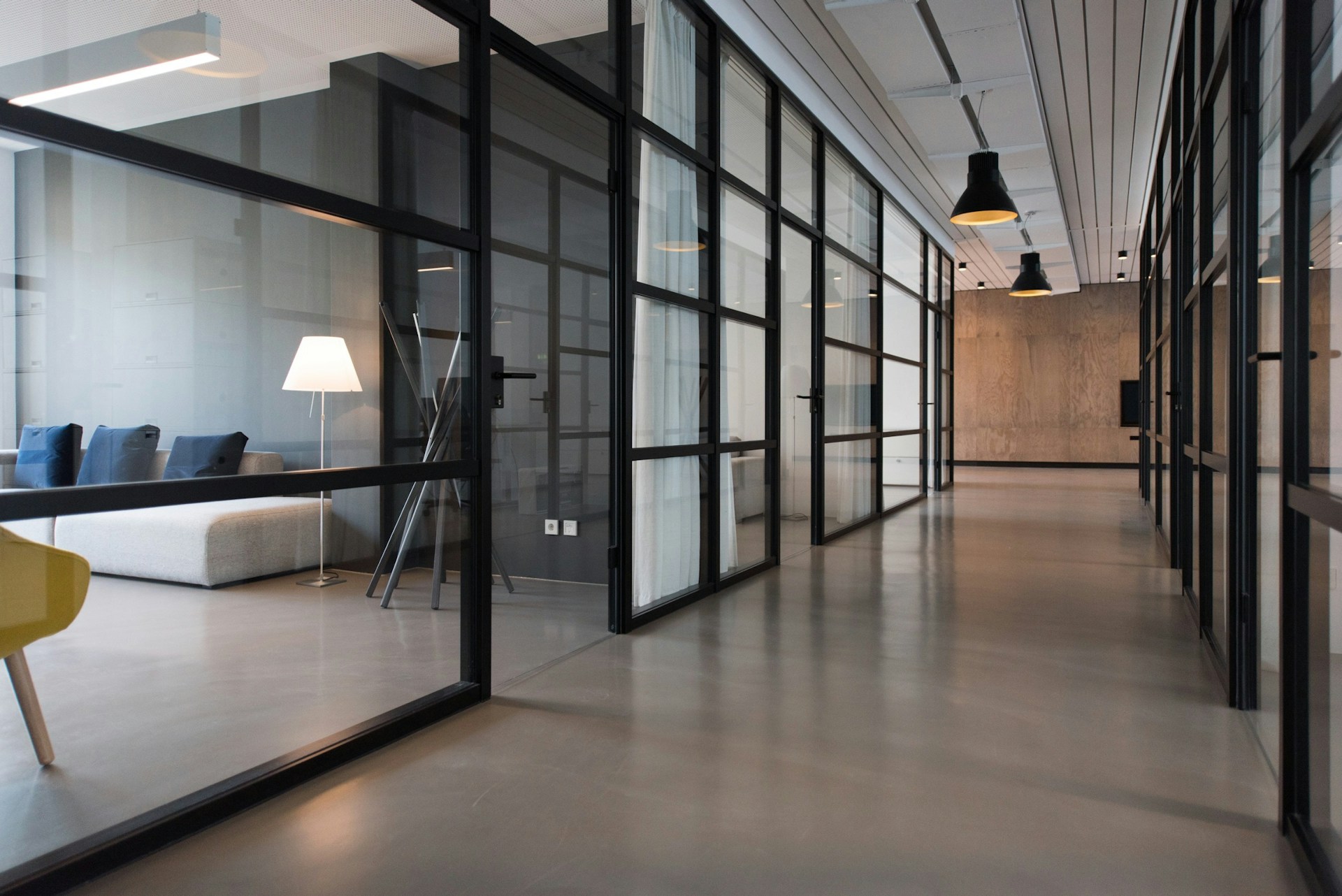
Key Effects of Aero Glass Design
Discover the essential effects that define the Aero Glass aesthetic, from frosted glass to soft shadows.
Frosted Glass Effect
This effect creates a translucent appearance, allowing background elements to be seen while softening their details.
Soft Shadows
Soft shadows add depth to elements, enhancing the perception of layers and creating a more immersive experience.
Light Reflections
Simulating light reflections gives a dynamic quality to the design, making it feel more alive and engaging.
Blurred Backgrounds
Blurring the background helps to focus attention on the foreground elements, enhancing usability and aesthetics.
Color Overlay
Applying a subtle color overlay can unify the design, creating a cohesive look while maintaining transparency.
Layered Elements
Layering elements with varying opacities creates a sense of depth, making the interface more visually appealing.
Applying Aero Glass Effects
Learn how the Aero Glass effects enhance different components of the dashboard, creating a cohesive and modern user interface.
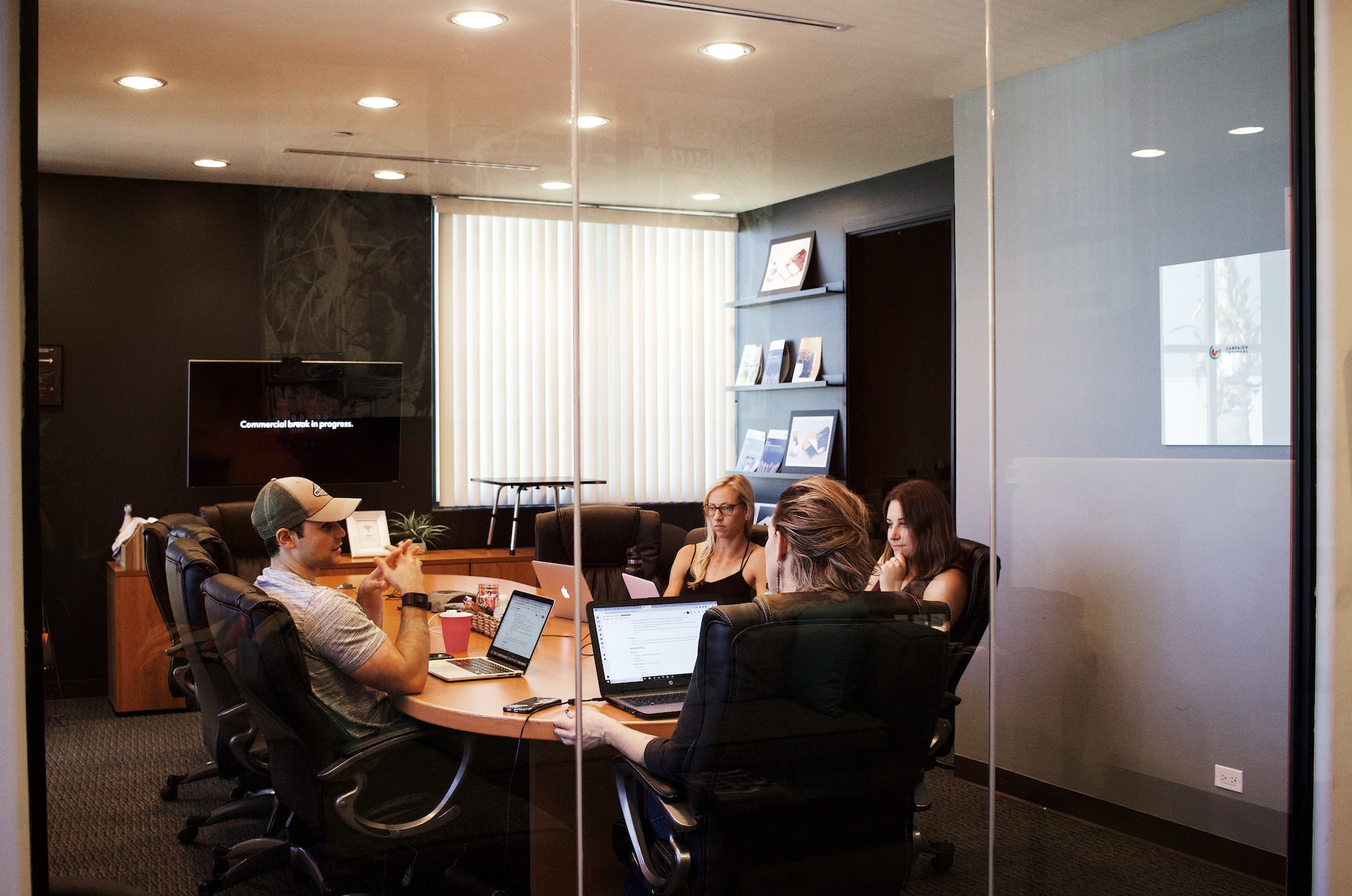
Understanding Aero Glass
A deep dive into the principles of Aero Glass and its impact on user experience.

Jane Doe
2023-10-01
User Testimonials
Hear from our users about their experiences with the Aero Glass dashboard design.
"The Aero Glass dashboard has completely transformed the way I visualize my data. It's intuitive and beautiful!"

John Doe
Data Analyst
"I love the sleek design of the Aero Glass dashboard. It makes my work so much easier and more enjoyable."
Jane Smith
Product Manager
"The usability of the Aero Glass dashboard is top-notch. I can find everything I need in just a few clicks."

Emily Johnson
UX Designer
Contact Us
Get in touch with us for more information or inquiries about the Aero Glass dashboard design.
Contact Form Title
Contact Form Description
We are here to help you
Get in Touch
We are here to assist you with any questions or feedback you may have regarding our services.
1234 SaaS Lane, Suite 100, Tech City, CA 90210
+1 (555) 123-4567