
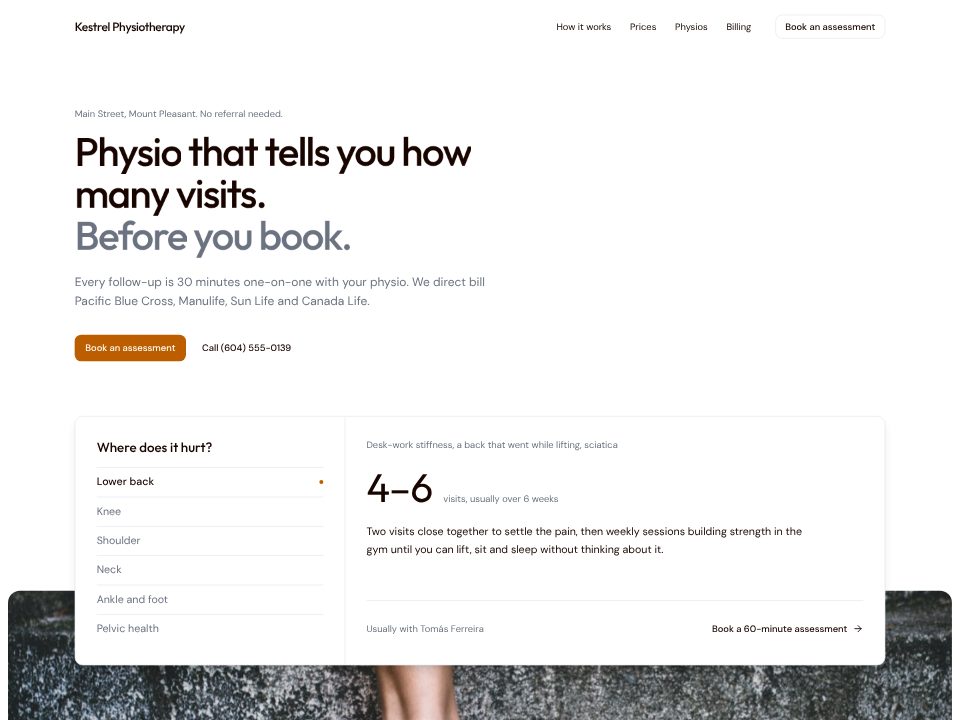
Physiotherapy clinic template
Kestrel Physiotherapy
A physio clinic whose hero asks where it hurts, then tells you the visits and weeks to expect.
Give the builder the paragraph a practice manager would write: who works there, how same-day visits work, the lab hours, the insurance you take and your self-pay prices. It comes back with a site that answers the question patients arrive with, "can I be seen today?", before anything else.
Below that sit the ways to be seen, your doctors and what each one focuses on, a price sheet, insurance and new-patient questions, and hours with a form for non-urgent messages. No stock photos of stethoscopes: until you upload real portraits, each doctor gets a clean initials tile.
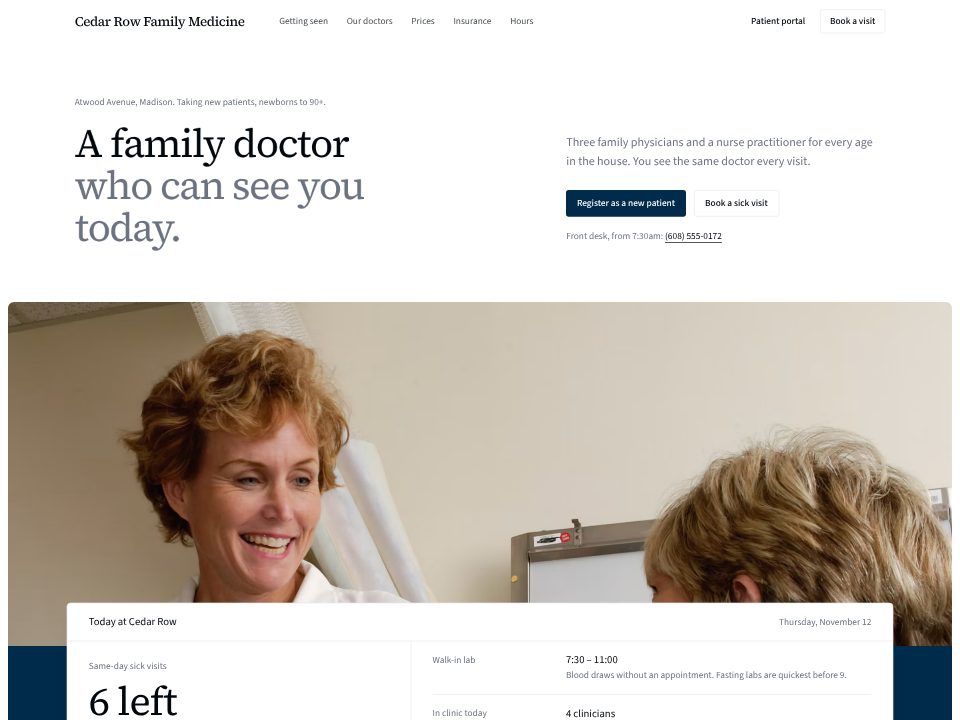
Family doctor
A family practice that opens on today's board: sick-visit slots left, the lab, and who is in.
A few sentences about the website: what it's for, who reads it, and the real facts it should show.
Click any text to change it, switch the theme, or ask the chat for a new section or page.
Publish the website to a live link from the builder and keep editing afterwards.
Kestrel Physiotherapy
A physio clinic whose hero asks where it hurts, then tells you the visits and weeks to expect.
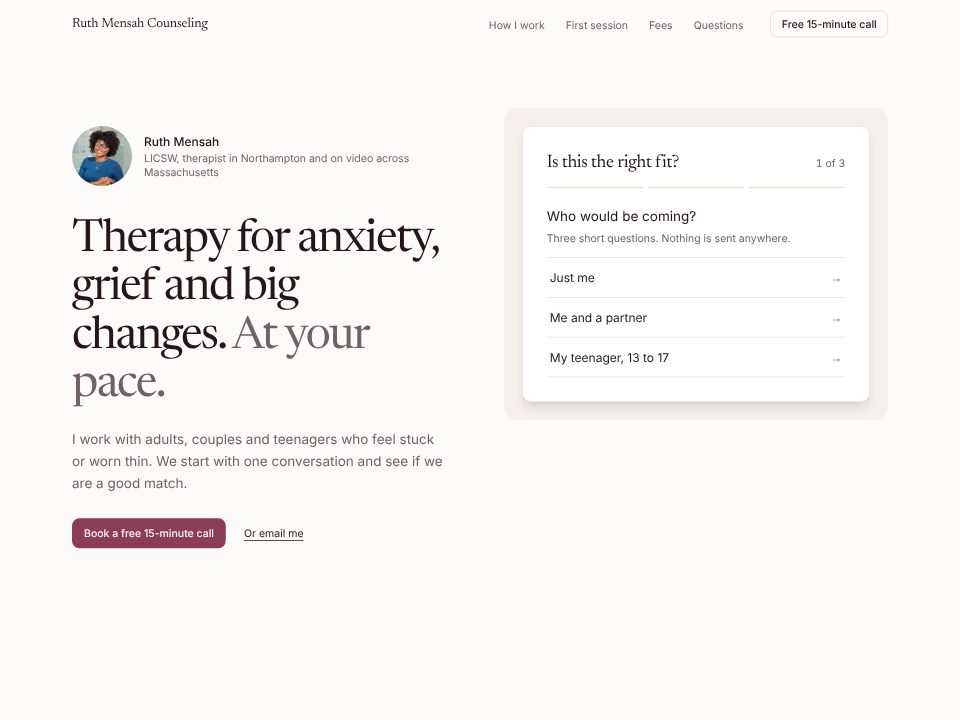
Ruth Mensah Counseling
A calm private-practice page with an "Is this the right fit?" check that suggests a session type and fee, and the first session minute by minute.
Yes. List the plans you accept in your prompt and the builder writes them into an insurance FAQ; give it your cash prices and it builds a price sheet. Patients without insurance look for that first.
Tell the builder how same-day visits work (call-by time, how many slots, who sees them). It turns that into the first thing on the page, and your front desk edits the numbers each morning.
It should, and the builder adds one: the hero and footer tell patients to call 911 for chest pain or trouble breathing, and the contact form is labelled for non-urgent questions only.
No. The site shows how to book and can link to your existing patient portal or scheduling system. It doesn't store patient records, and connecting a booking tool is a separate step.
Yes. Each doctor gets a name, focus and short facts with an initials tile. Swap in real portraits later; the builder never uses a stranger's stock photo in their place.