
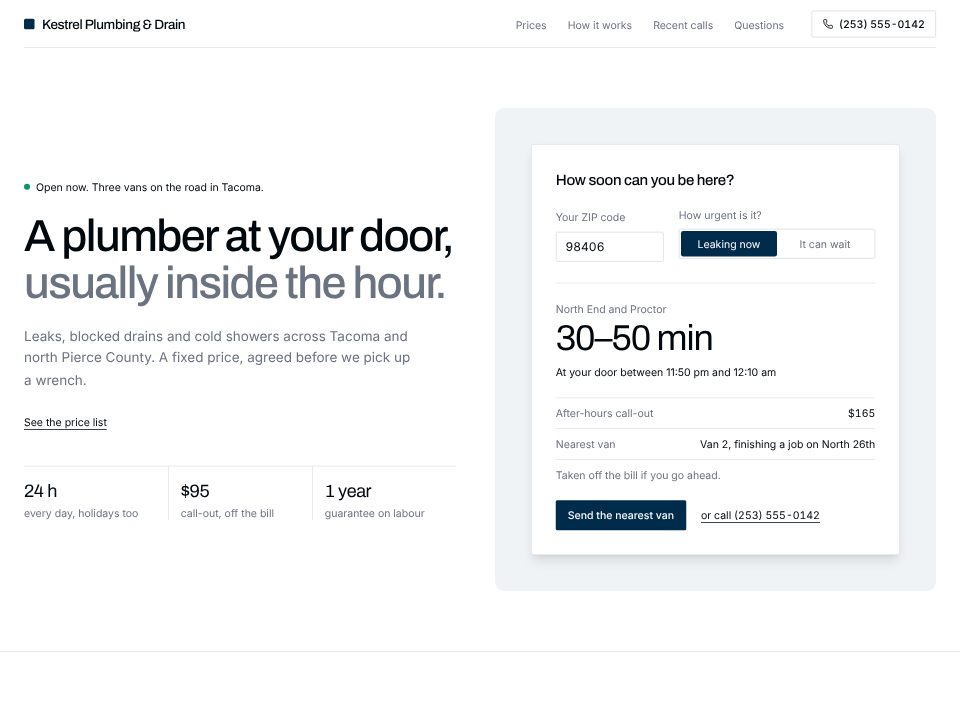
Plumber template
Kestrel Plumbing & Drain
A 24-hour plumber site that answers "how soon can you be here?" by ZIP code, then shows fixed prices for the common jobs.
Write a few sentences about your business, the way you would explain it to a new hire: what you do, for whom, what it costs and how people get in touch. The App Builder turns that into a finished website, with the answer your visitors come for on the first screen, not a stock layout with your name dropped in.
Everything stays editable. Click any text on the page to change it, ask the chat for a new section, switch the theme, and deploy when it reads right.
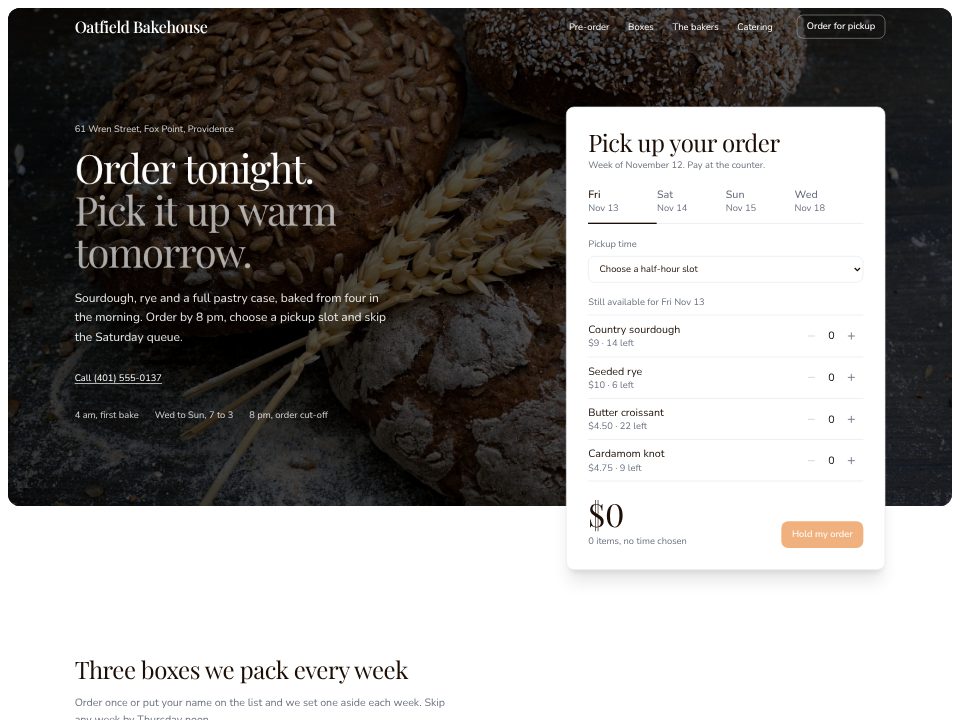
Bakery with pre-orders
A neighbourhood bakery whose hero is a working pre-order: pick a day, a pickup slot and what is still on the shelf.
A few sentences about the website: what it's for, who reads it, and the real facts it should show.
Click any text to change it, switch the theme, or ask the chat for a new section or page.
Publish the website to a live link from the builder and keep editing afterwards.
Kestrel Plumbing & Drain
A 24-hour plumber site that answers "how soon can you be here?" by ZIP code, then shows fixed prices for the common jobs.
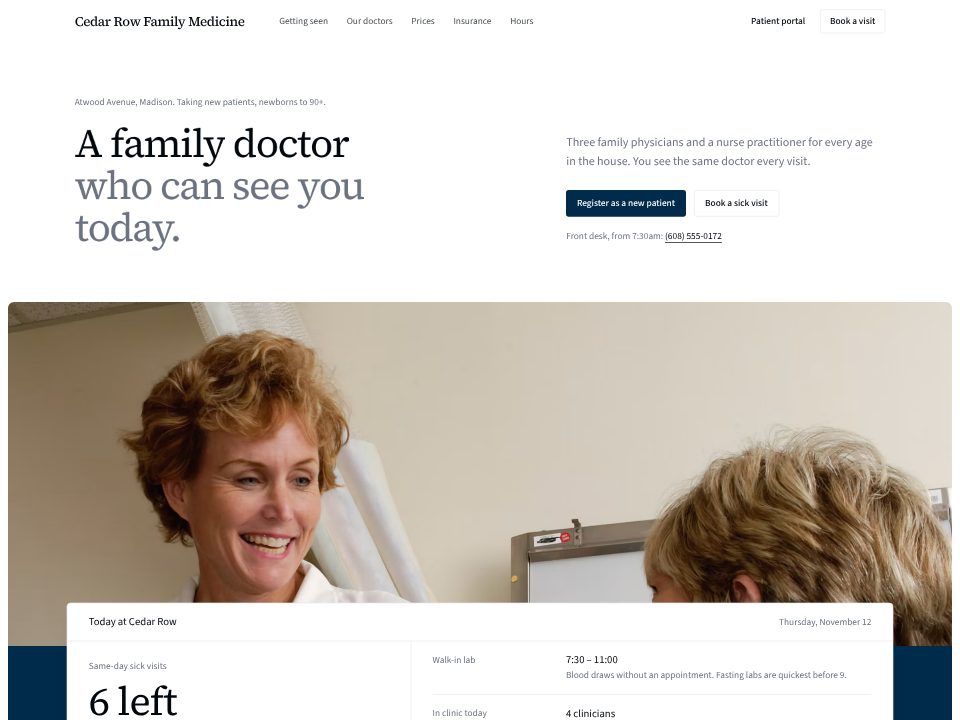
Cedar Row Family Medicine
A family practice that opens on today's board: sick-visit slots left, the lab, and who is in.
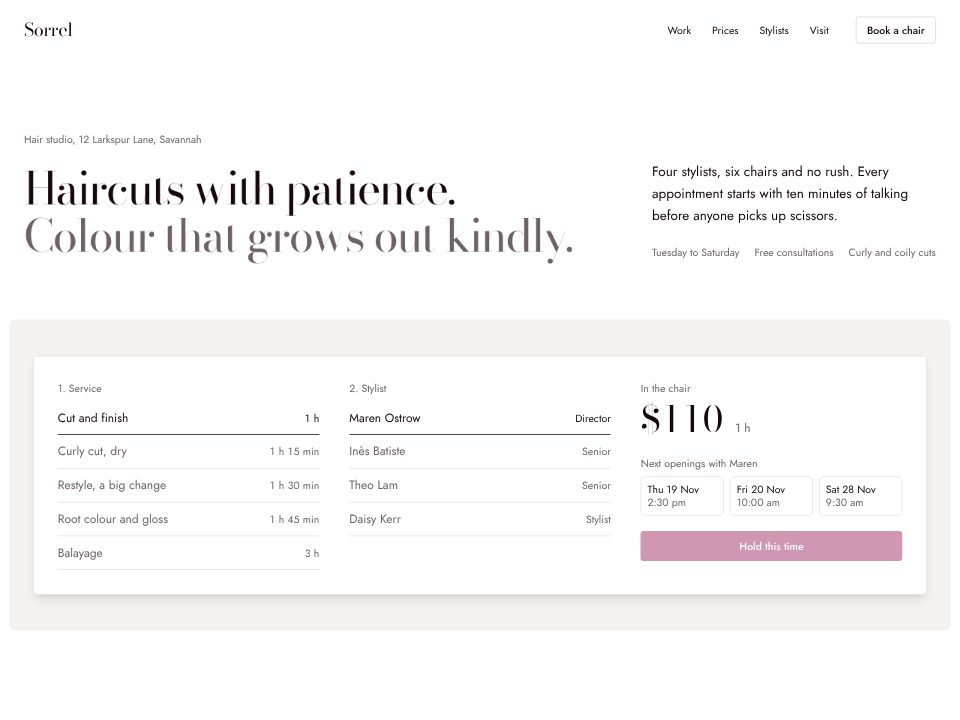
Sorrel Hair Studio
An editorial salon page with a type-only hero and a booking strip: pick a service and a stylist to see the price, the time in the chair and the next openings.
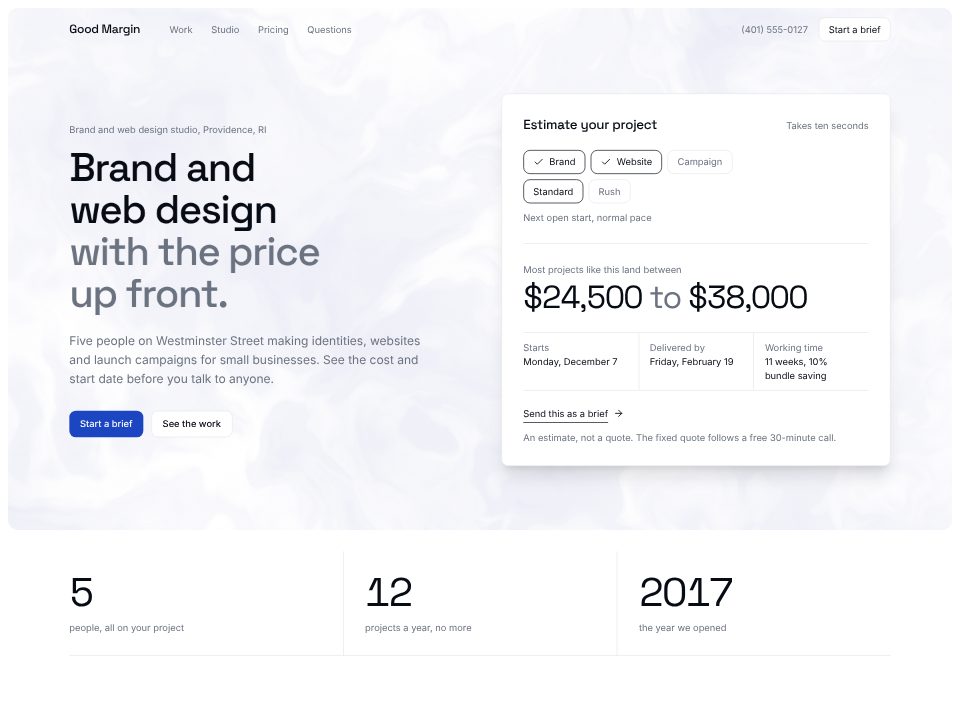
Good Margin
A design studio whose hero is a working estimator: pick the scope and pace, read a price range and a start date.
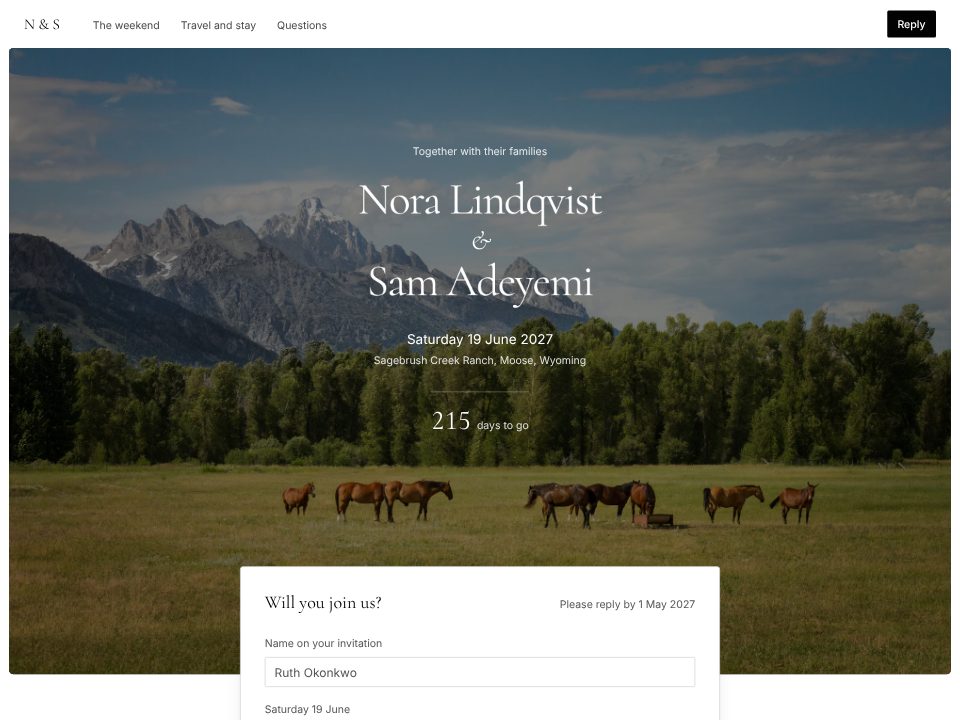
Nora & Sam
A black-and-white wedding site where guests reply and pick dinner right at the top, then see the weekend day by day and where to stay.
No. You describe the business in plain words and edit by clicking on the page or asking the chat. If you do code, the project is React and Tailwind, and you can read and change every file.
What you do, who it's for, where you are, what it costs and how people should contact or book you. Real prices, hours and names make a much better first version than a general description.
Yes. Every template in the library was made with the builder. Open one, remix it, and you get your own copy to change, with the chat ready to rewrite it for your business.
The widgets work in the browser: they calculate prices, show times and confirm the visitor's choice on the page. Connecting them to your calendar, email or payment provider is a separate step you ask the chat for.
Building uses App Builder credits; a small website is usually around 30 credits. You can see the credits each change uses as you go.