
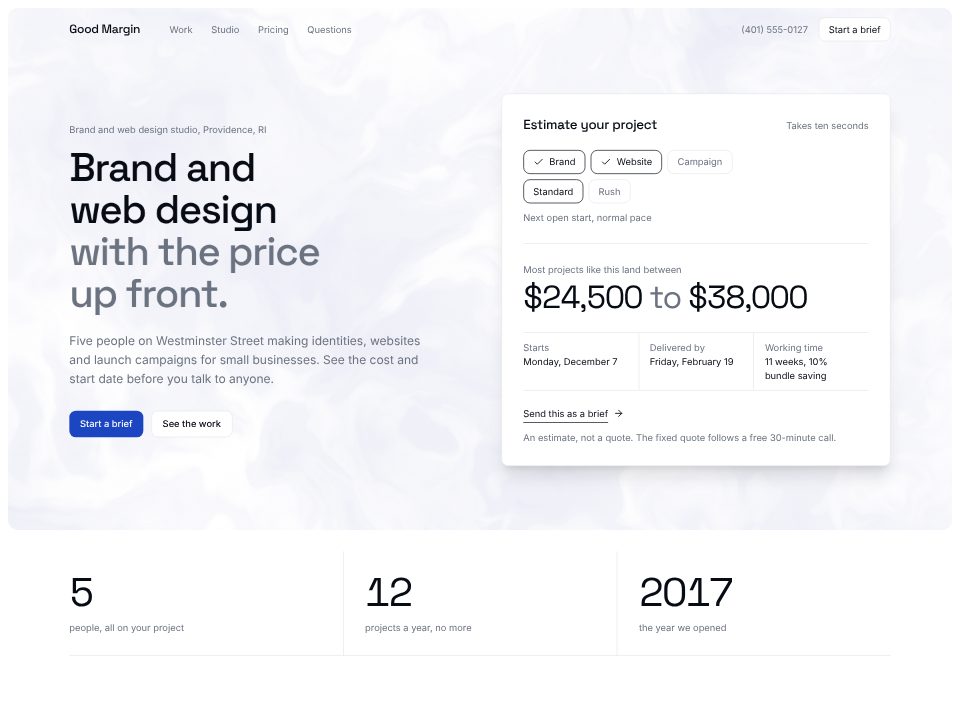
Design agency template
Good Margin
A design studio whose hero is a working estimator: pick the scope and pace, read a price range and a start date.
A landing page has one job: get the right person to sign up, book a call or buy. Tell the App Builder what you sell, who it's for, what it costs and what you want visitors to do, and it writes the page around that one action, with your real plans and numbers instead of filler.
For a software product it can draw your own interface as a clickable mock in the hero, rather than a stock screenshot. Change any line on the page, ask the chat for a new section, and deploy when it reads right.
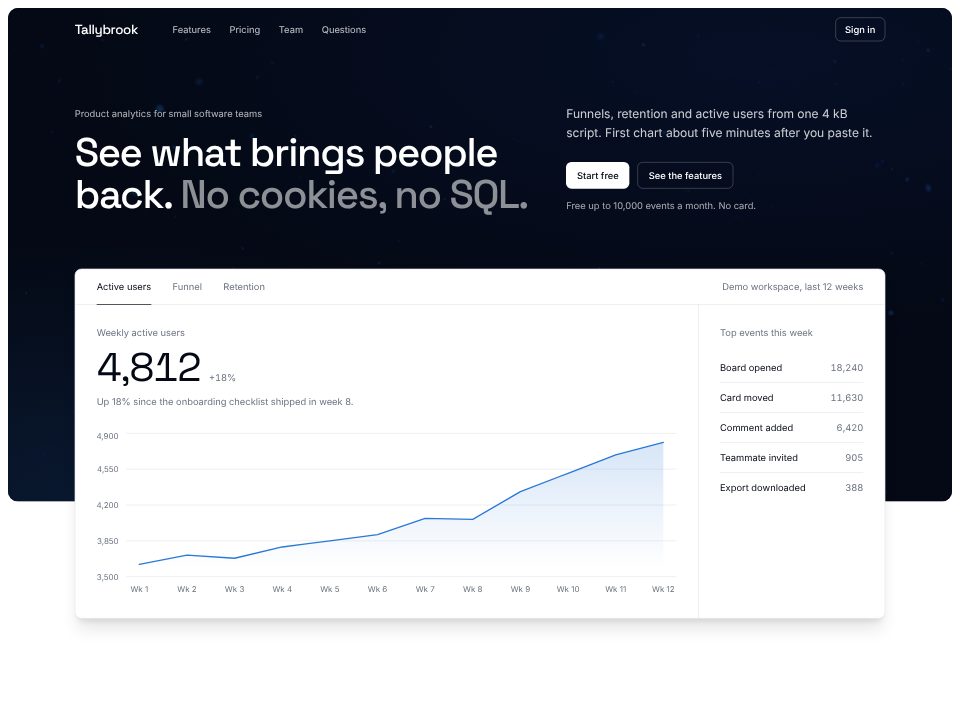
SaaS product landing
A product-analytics landing page whose hero is a working mini dashboard floating over a three.js particle field.
A few sentences about the website: what it's for, who reads it, and the real facts it should show.
Click any text to change it, switch the theme, or ask the chat for a new section or page.
Publish the website to a live link from the builder and keep editing afterwards.
Good Margin
A design studio whose hero is a working estimator: pick the scope and pace, read a price range and a start date.
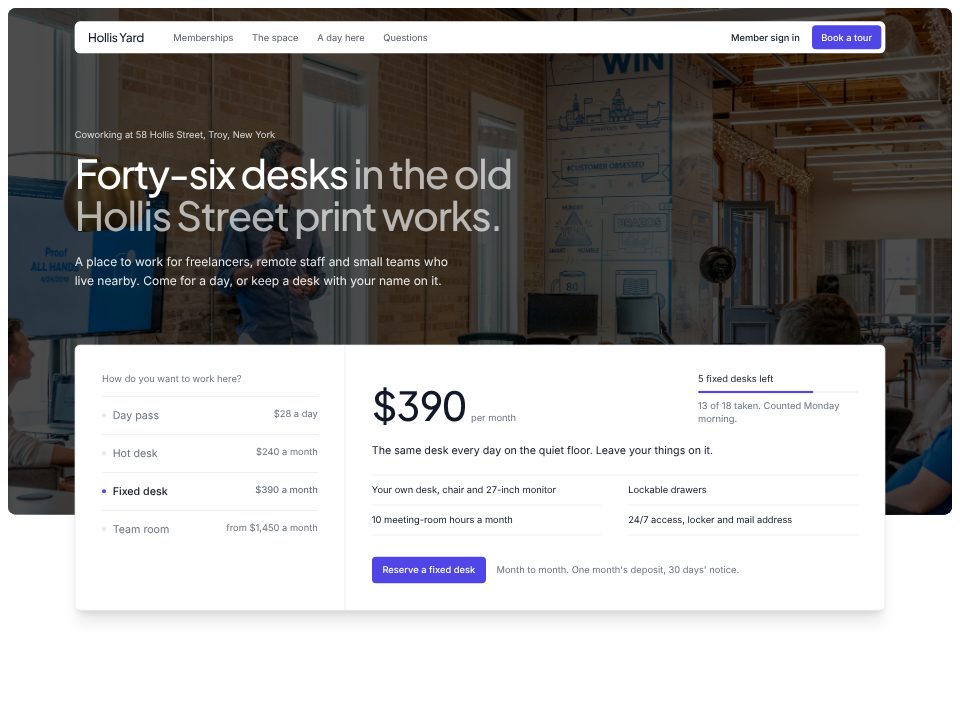
Hollis Yard
A neighbourhood coworking site where a membership picker over the hero photo updates price, inclusions and desks left.
A landing page is one page with one goal, often for a product, a launch or a campaign. A website usually has several pages and serves many visitors. The builder makes one long page by default; ask the chat for more pages whenever you need them.
What the product does, who it's for, the prices, the one thing you want visitors to do, and any concrete numbers (setup time, limits, trial length). Those make the page specific; anything you leave out is left out.
Only ones you give it. The builder doesn't invent logos, reviews or user counts. If you don't have any yet, the page leans on what the product does and what it costs.
The form works on the page and confirms to the visitor that they're in. Sending the entries to your email list or your product's sign-up is a separate step you ask the chat for.
Yes. Ask the chat to rewrite the headline and first section for, say, agencies instead of startups, or start a new project from the same prompt with a different angle and compare them.