
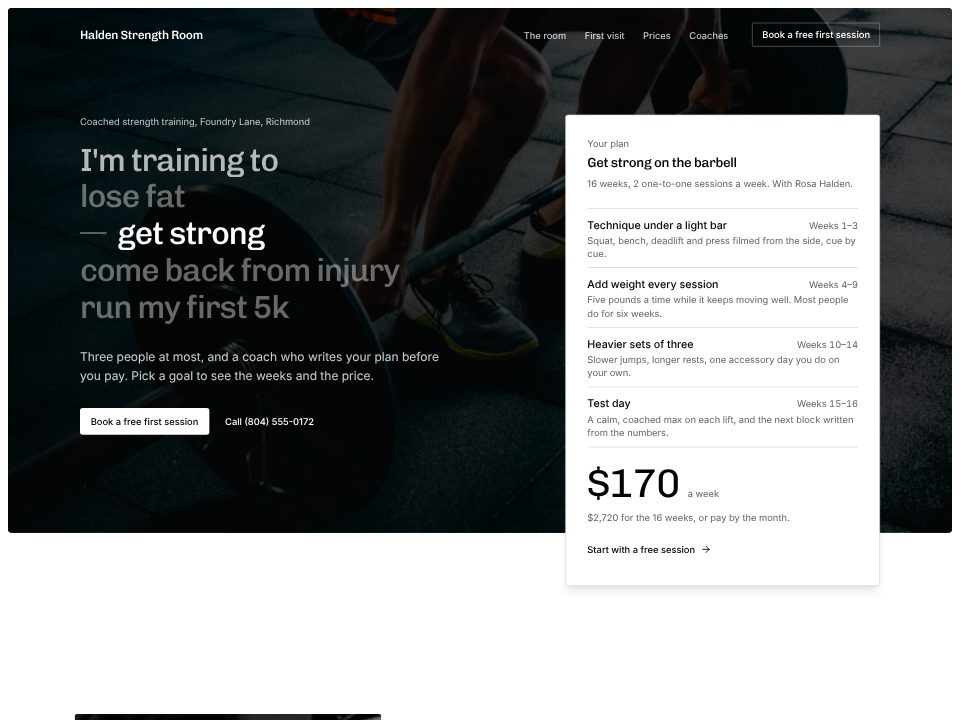
Personal trainer template
Halden Strength Room
A black-and-white gym site whose headline you finish by picking a goal, which swaps the week-by-week plan and its price.
Tell the builder about your rooms, classes, teachers, prices and intro offer. Everyone asks for the timetable first, so it goes in the hero: pick a day and see each class with its time, teacher, length and how many spots are left, or "waitlist" when it's full. The intro offer is the main button beside it.
Below, each class type is explained in a sentence, from reformer to prenatal yoga. Prices compare the intro offer, a class pack and unlimited; the teachers are introduced by what they teach; and a first-class FAQ covers grip socks, parking and cancellations.
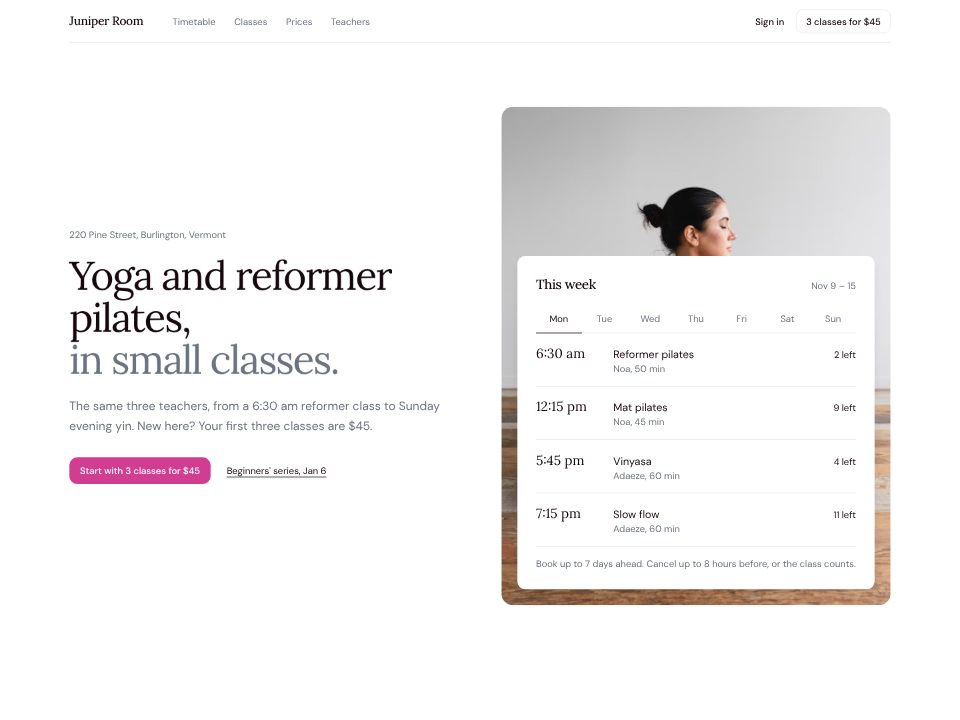
Yoga and pilates studio
A studio that puts the week's timetable up front, one tab per day, with the spots left.
A few sentences about the website: what it's for, who reads it, and the real facts it should show.
Click any text to change it, switch the theme, or ask the chat for a new section or page.
Publish the website to a live link from the builder and keep editing afterwards.
Halden Strength Room
A black-and-white gym site whose headline you finish by picking a goal, which swaps the week-by-week plan and its price.
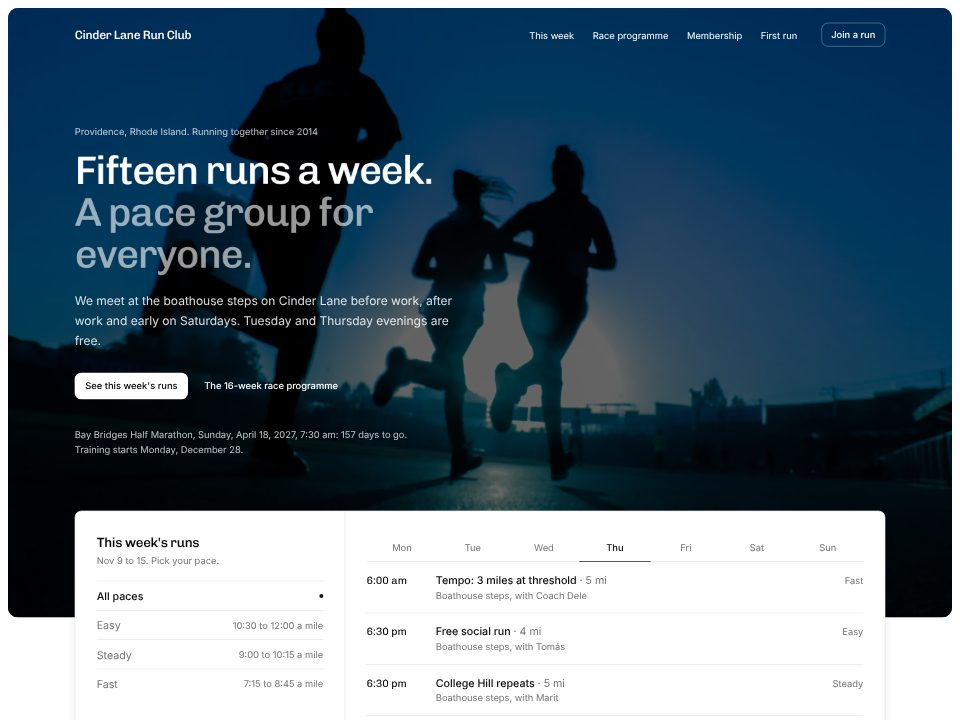
Cinder Lane Run Club
A run club that puts this week's runs first, filterable by day and pace group, with the days left to race day.
Yes. Give the builder your weekly schedule and it builds a day-by-day timetable with times, teachers and class length. The spots-left numbers are examples until you connect your booking system.
No, the builder doesn't take bookings or payments. The timetable and buttons can link to the booking system you already use; connecting it more closely is a separate step.
New students look for an intro offer, then a pack and a membership. The builder lays those three out side by side with what each includes, and keeps drop-in prices in one line above them.
Yes. The builder writes a "before your first class" section from your prompt (what to wear, where to go, cancelling) and gives a beginners' course its own button.
Not to start. The timetable carries the top of the page; teachers get initials tiles until you add photos of your own room and classes, never beach-sunrise stock.