
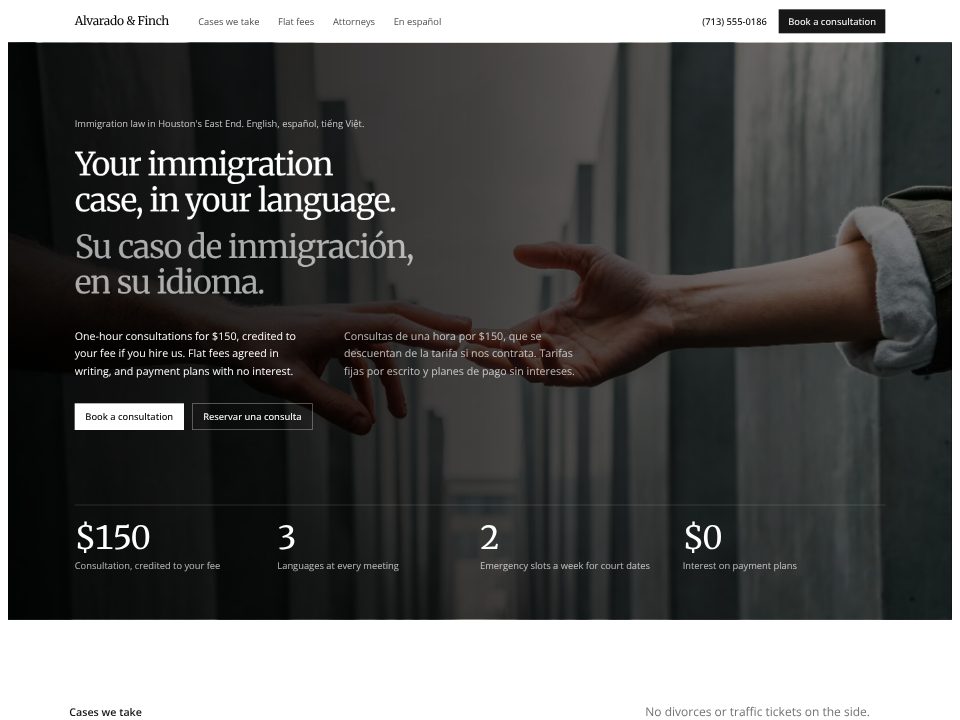
Law firm template
Alvarado & Finch
A two-language immigration firm: the headline is set in English and Spanish at the same size.
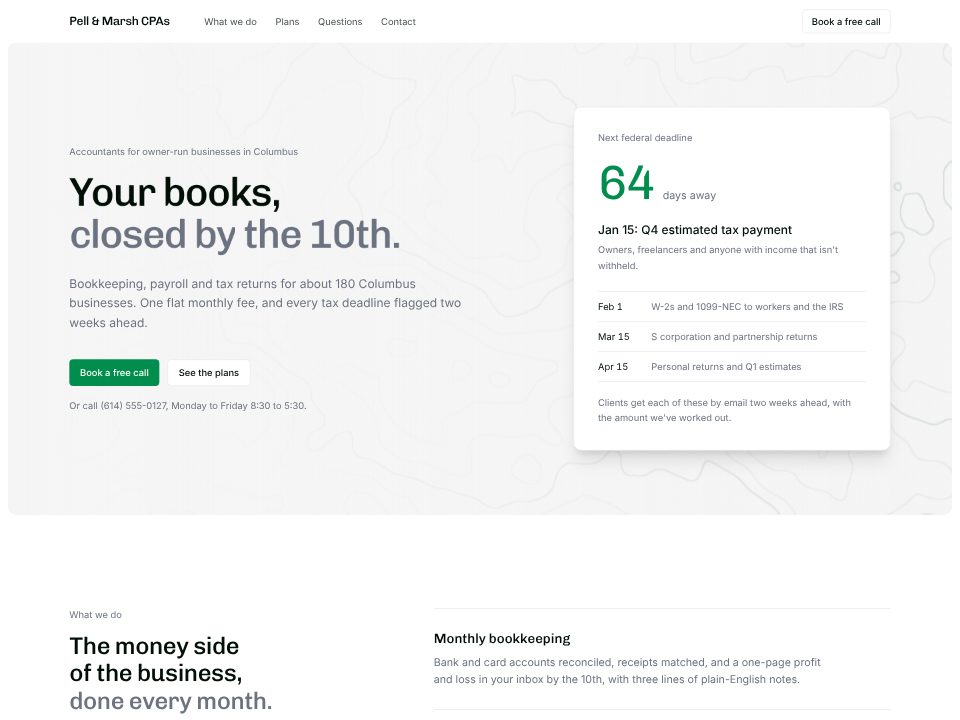
Tell the builder who you work for, what you do each month, your plans and prices, and the promises you're willing to be held to. Instead of a stock photo of a handshake, it puts a tax calendar at the top: the next deadline counted down in days from today, with the three after it underneath, because a deadline is what makes an owner look for an accountant.
Your promises (books closed by the 10th, answers within one business day, two weeks' warning before each deadline) sit on a panel as figures. Plans switch between monthly and yearly prices, the FAQ answers "my books are a mess", and the footer offers deadline reminders to anyone, client or not.
Accounting and tax
A CPA firm that counts down to the next federal tax deadline from today's date.
A few sentences about the website: what it's for, who reads it, and the real facts it should show.
Click any text to change it, switch the theme, or ask the chat for a new section or page.
Publish the website to a live link from the builder and keep editing afterwards.
Alvarado & Finch
A two-language immigration firm: the headline is set in English and Spanish at the same size.
What you do, for whom, and what it costs. The builder leads with the kind of business you serve and your promises, then shows plans with real prices so owners can rule you in before they call.
Yes. Give the builder your plans and it builds a monthly / yearly switch that swaps every price, with your discount noted beside it.
The calendar counts down from today's date and moves to the next deadline on its own. It shows the dates you give it, so add next year's dates once a year, or ask the builder to do it.
No. The site isn't a secure file portal. It can link to the client portal you already use, and connecting anything that handles client documents is a separate step on your own system.
Yes. Describe your services and prices; the same page works with one plan or three, and with or without payroll and tax returns.