
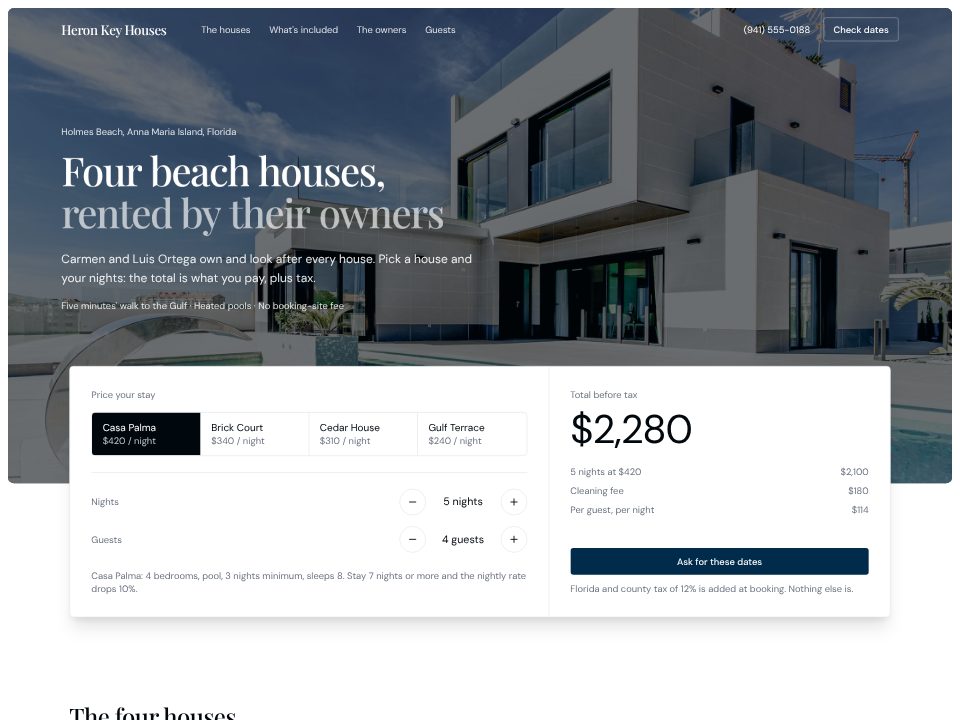
Vacation rental template
Heron Key Houses
Four holiday houses rented direct, with a card on the hero that turns house, nights and guests into a live total.
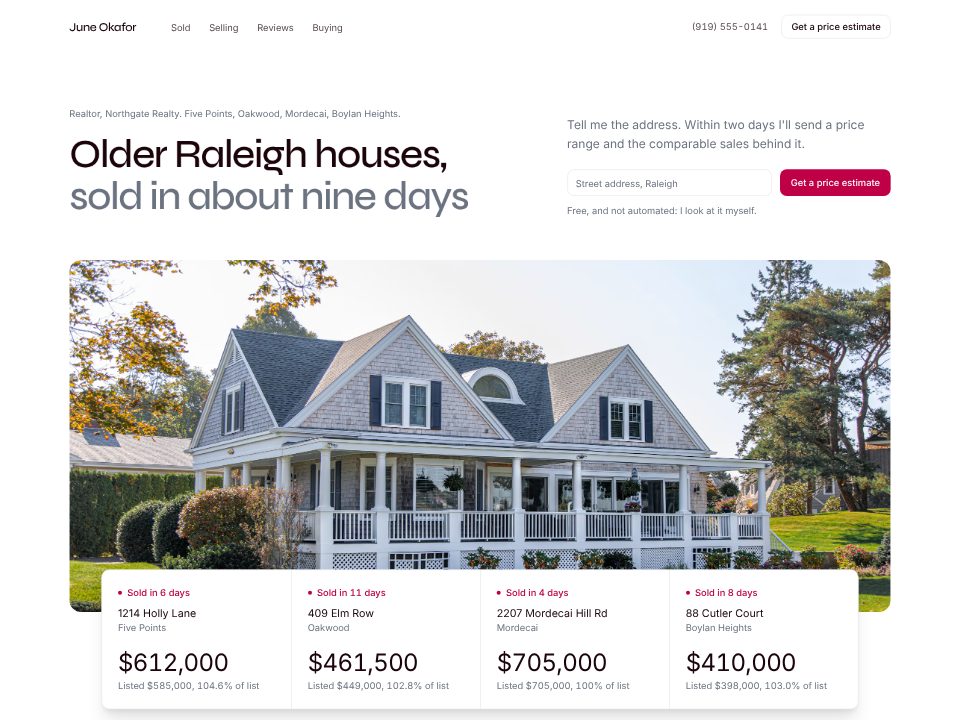
Give the builder your numbers for the year, a few recent sales with list and sold prices, how you prepare a house and the reviews your clients agreed to share. It puts the proof where sellers look first: under the headline, recent sales appear as SOLD cards with the address, neighbourhood, list price, sold price, percentage of list and days on market. The hero form asks for a street address, not an email.
Below, your selling process runs in four steps, your year sits on a panel as four figures, the reviews keep the less-than-perfect one, and the FAQ says plainly what you charge sellers and how buyer agreements work.
Real estate agent
A solo agent's site built on her last four sales, shown as SOLD riders with list and sale price.
A few sentences about the website: what it's for, who reads it, and the real facts it should show.
Click any text to change it, switch the theme, or ask the chat for a new section or page.
Publish the website to a live link from the builder and keep editing afterwards.
Heron Key Houses
Four holiday houses rented direct, with a card on the hero that turns house, nights and guests into a live total.
Recent sales with real numbers, how you sell a house, what you charge and a way to ask for a price estimate. The builder lays those out from your prompt, in that order.
Yes. Each sale becomes a SOLD card with the address, list and sold price, % of list and days on market. Add an exterior photo above each card later.
No. The site shows the listings and sales you give it. Pulling in a live MLS or IDX feed goes through your broker or a feed provider, and connecting it is a separate step.
If you tell the builder your fee and how you work with buyers, it writes it into a plain FAQ. Have your broker check the wording against your state's rules.
Paste the reviews your clients agreed to share. The builder shows them with first names and initials, and keeps the star ratings you give, including the less-than-perfect ones.